Blendflare Asset Browser
Search, download, and import 3D assets from blendflare.com directly inside Blender.
Get the Addon
Downloads and releases are available on GitHub
About
The Blendflare Asset Browser brings the Blendflare library into your Blender workflow — search, preview, and import Models, Materials, HDRIs, and Scenes without leaving your project.
The addon is a reference implementation for the Blendflare Python SDK.
Installation
- 1.Download the latest release ZIP from the GitHub releases page
- 2.In Blender, go to
Edit > Preferences > Add-ons - 3.Click
Install...and select the downloaded ZIP - 4.Enable the addon by checking the box next to "Blendflare Asset Browser"
Features
- Integrated toolbar in the 3D Viewport header
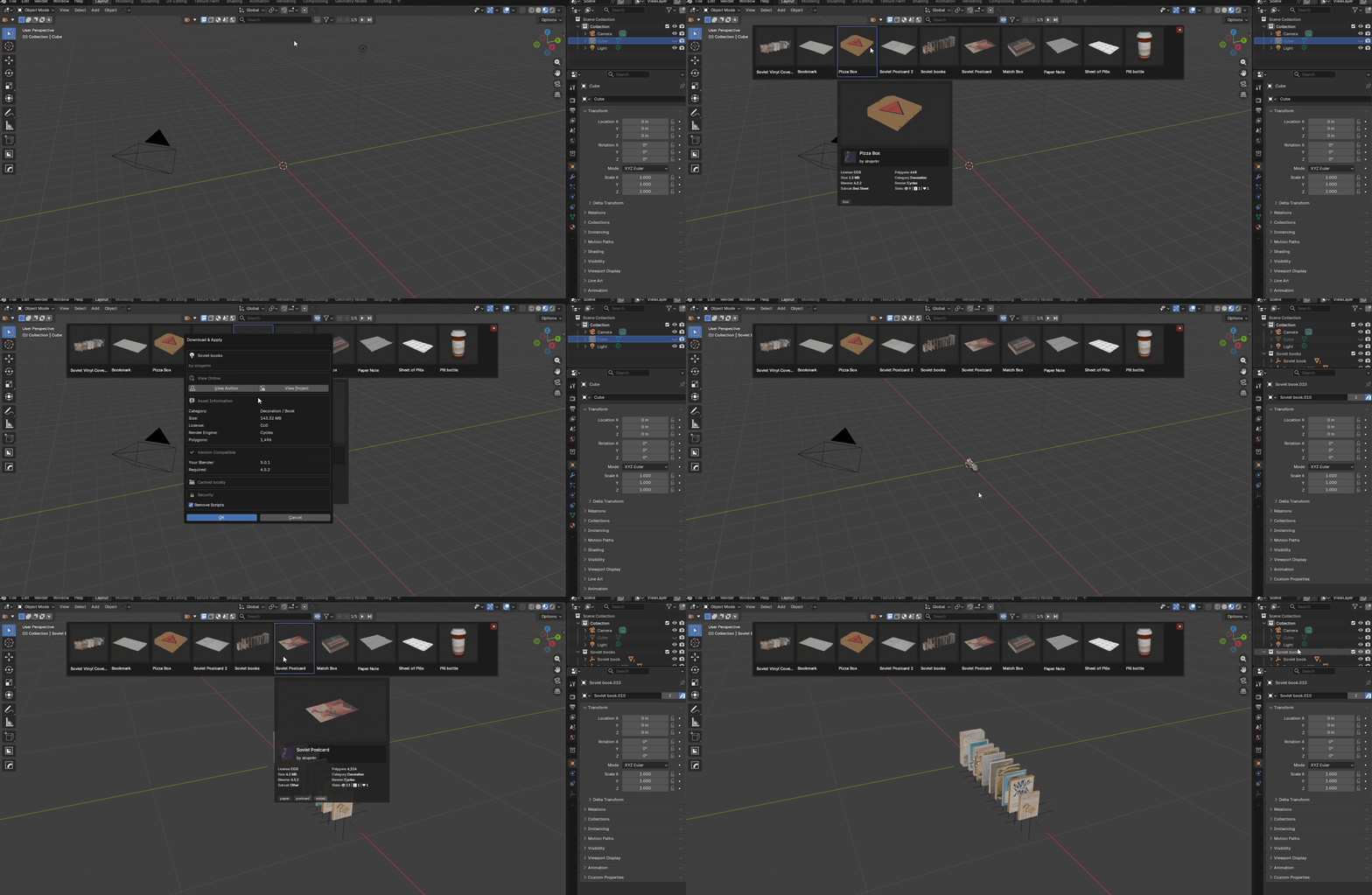
- Smart import: models parented and placed at 3D cursor
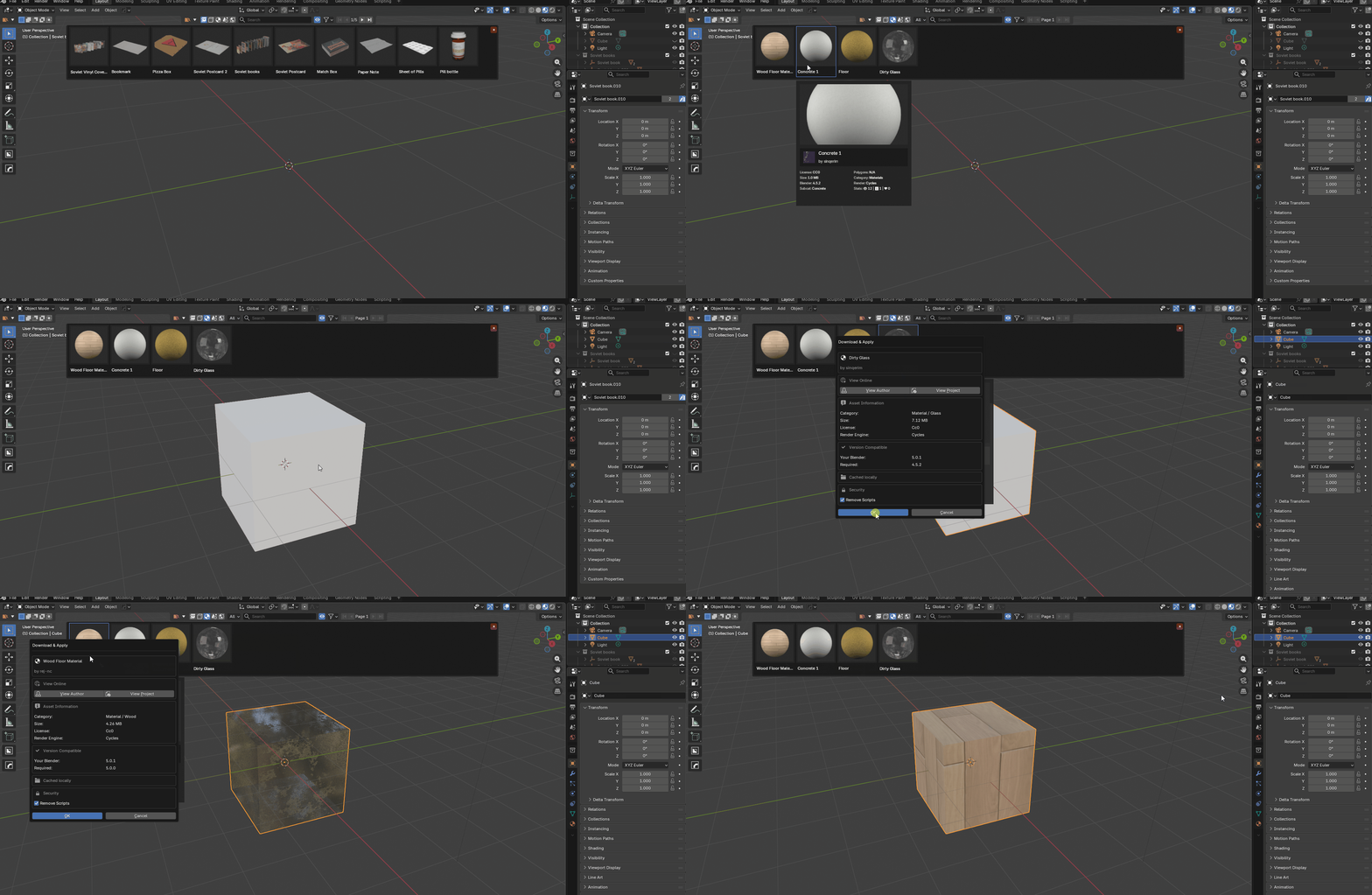
- Materials auto-apply with texture relinking and packing
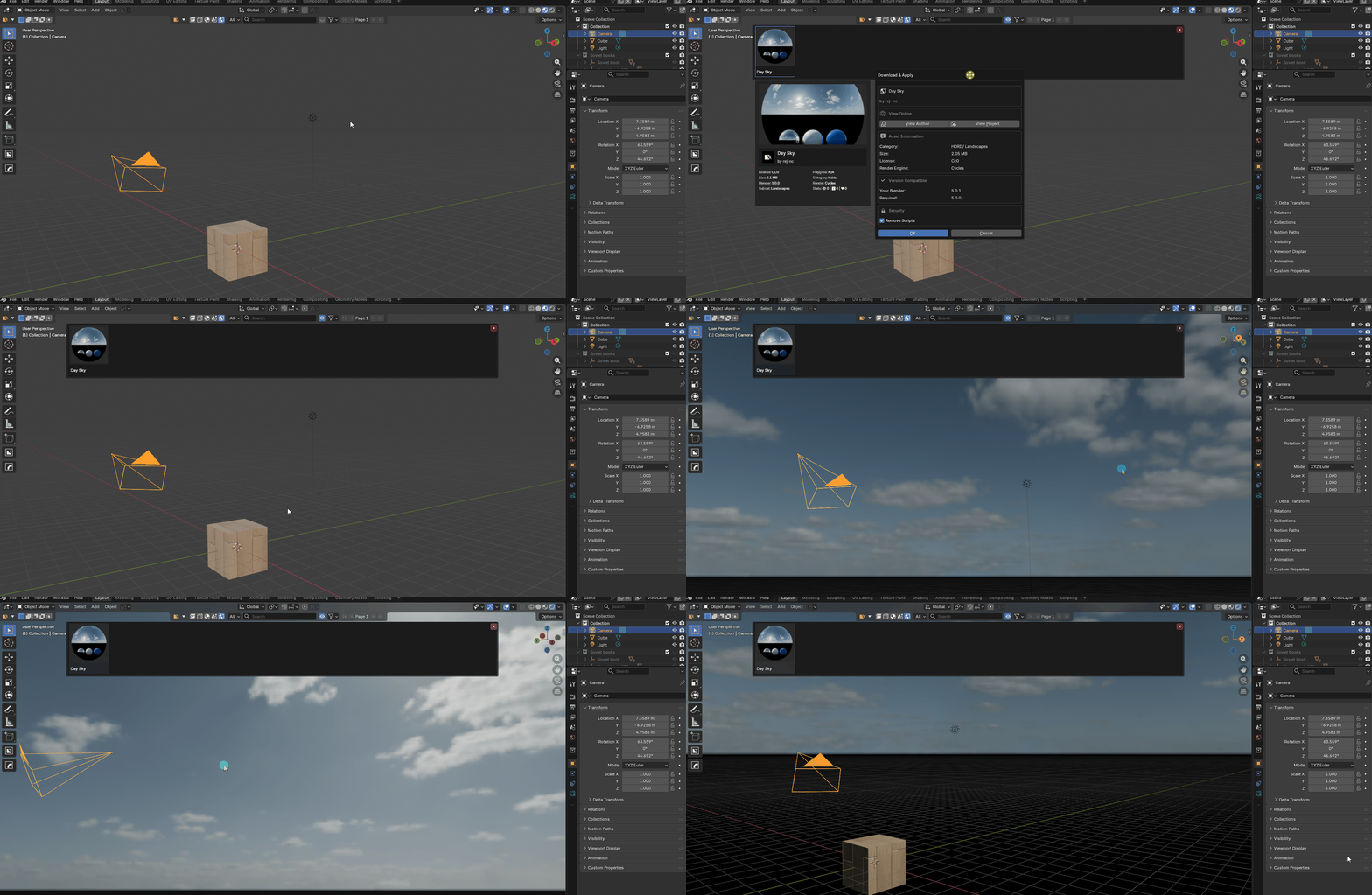
- HDRIs set up World nodes automatically
- Advanced filtering and detailed hover previews
- Local caching of downloaded assets for fast reuse
Usage
Open the addon from the 3D Viewport header or the sidebar. Search, preview, and click an asset to download and import.
Demo Previews
3D Models
Materials
HDRIs
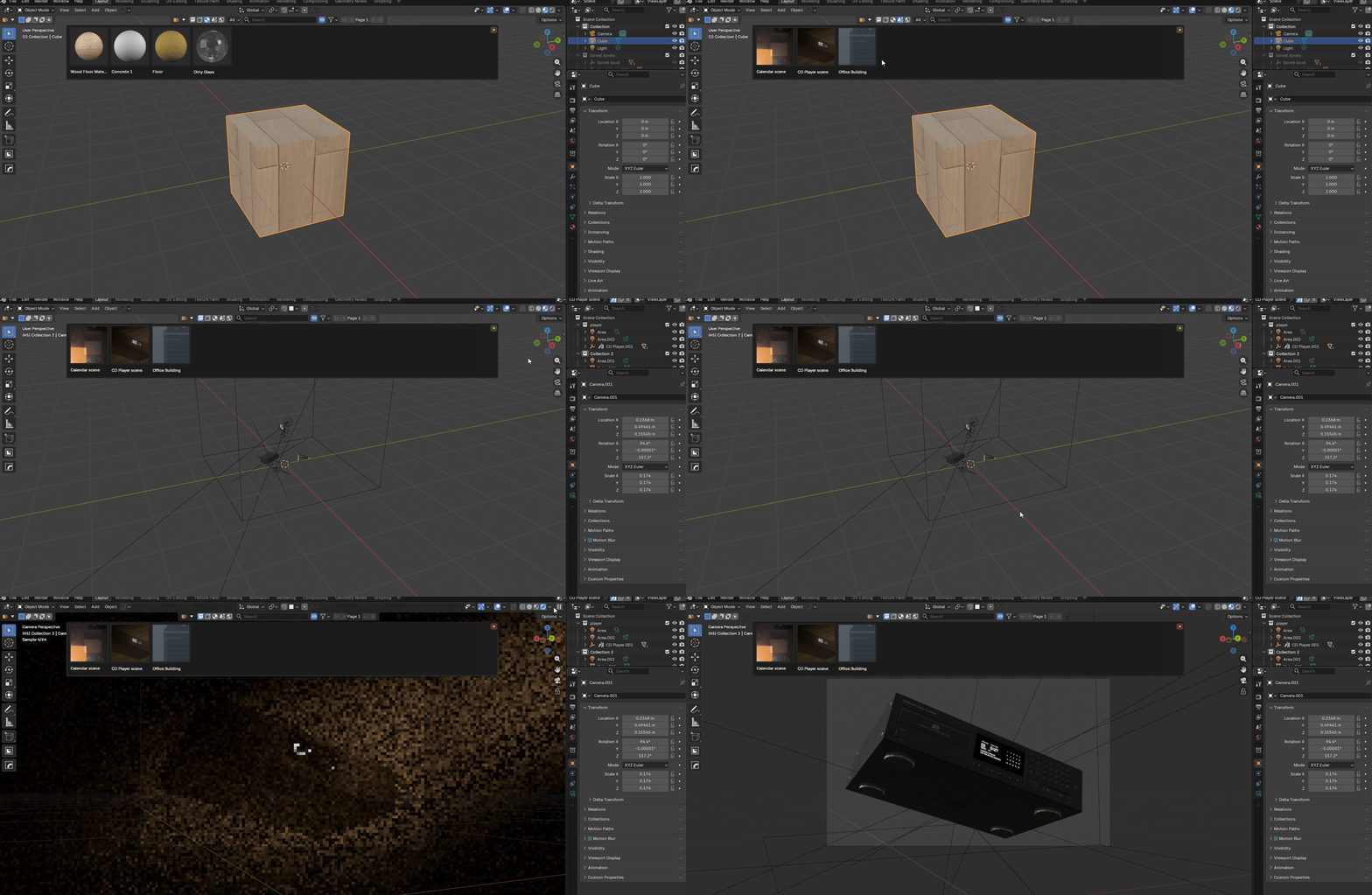
Scenes
Security & Sanitization
Downloaded .blend files are sanitized in a background process to remove text datablocks and unsafe drivers before import.
Tips & Troubleshooting
- Enable BlenderKit before Blendflare for toolbar compatibility if you use both.
- Set a cache directory in preferences to store downloaded assets on a chosen drive.
- If thumbnails or imports fail, check Blender console for errors and ensure the API key is valid.
Configuration
To link the addon, generate an API Key in your Blendflare dashboard and paste it into the addon preferences.
Thank you for using the Blendflare Addon! Visit blendflare.com for more.